Single-Click Payroll for Construction Crews
Time-verified, site-approved payroll in under 30 minutes without chasing timesheets, fixing errors, or reconciling spreadsheets.

Timesheets are reviewed and approved at the project level before they ever reach payroll. Site managers validate start times, finish times, breaks, and job allocations directly within Swift Checkin.
This ensures:
By the time payroll opens the system, all entries are already verified reducing disputes and back-and-forth calls.
Each worker or subcontractor is assigned specific pay rates based on role, contract, or project. The system automatically applies:
The automated construction payroll engine processes wage logic consistently across every pay cycle.
Once timesheets are reviewed and payroll is approved, entries can be locked to prevent further changes.
This creates:
Payroll locking ensures that what gets processed is final supporting audit readiness and compliance.
Once site-verified timesheets are reviewed, payroll can be processed in a single action. Standard hours move through bulk approval automatically, while flagged exceptions, such as overtime, can be reviewed separately before final processing.
Key capabilities:
Get payroll done in one click.

GPS-based time data
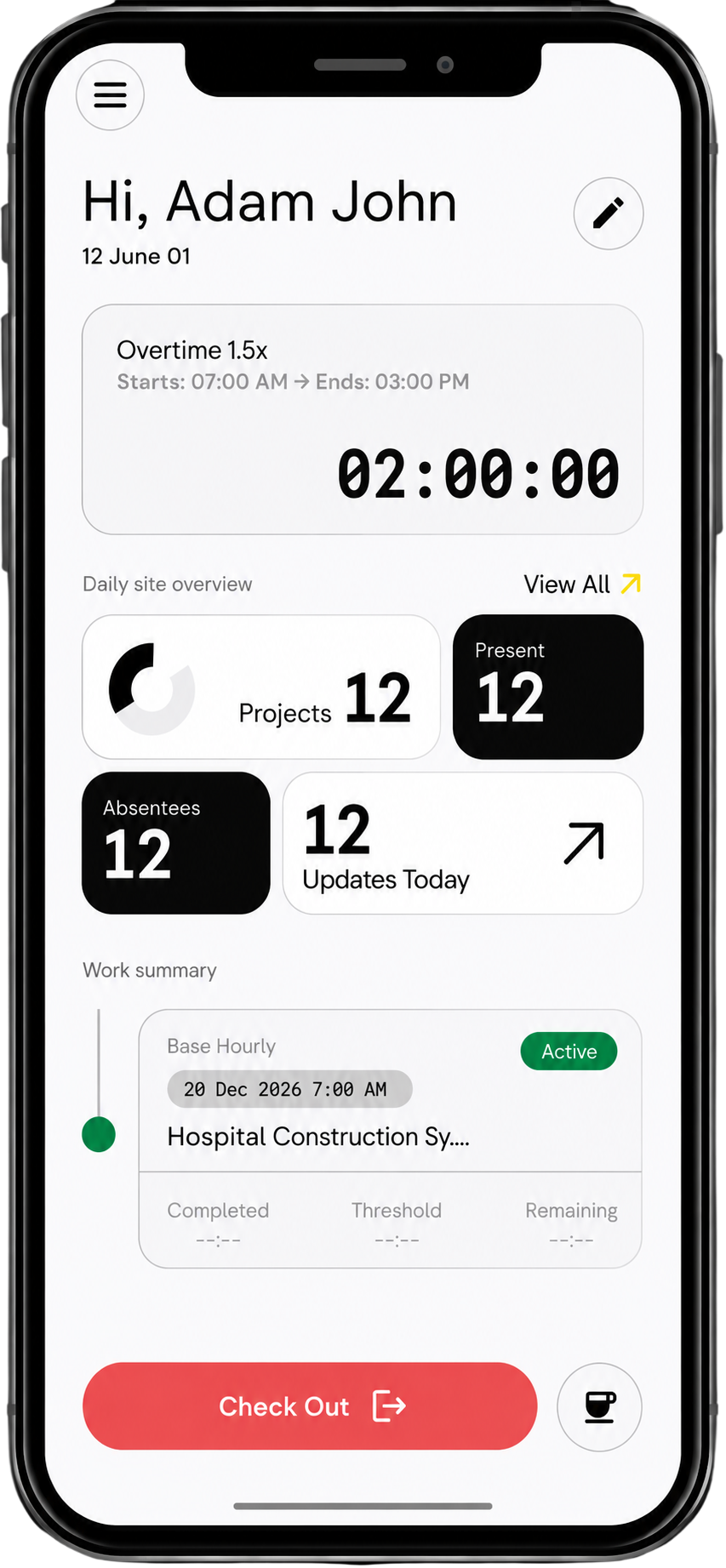
Time data flows to timesheet with OT, pay-rate allocation
Be sure of payroll data and handle exceptions fast
pay-rate accuracy
reduced admin time
Payroll processing time
Payroll disputes
1. What is Single-Click Payroll in Swift Checkin?
Single-Click Payroll is an automated workflow that pulls time-verified, site-approved hours into payroll-ready summaries, so you can run accurate pay in under 30 minutes.
2. How does Swift Checkin help with construction timesheets?
Site supervisors approve timesheets on mobile at the end of each shift, and those approvals flow directly into your payroll view—no chasing photos, WhatsApp messages, or spreadsheets.
3. Can I use Swift Checkin with my existing payroll software?
Yes. Swift Checkin’s “Export to payroll” creates clean, structured timesheet data that can be imported into most popular payroll systems without manual reformatting.
4. Does Swift Checkin handle different sites, crews, and pay rates?
Swift Checkin stores project-wise rates, roles, and allowances, so overtime, shift differentials, and site-based rules are applied automatically during payroll runs.
5. How does automated payroll reduce errors and rework?
Because hours are captured with GPS proof on site and approved before payroll, Swift Checkin removes duplicate entry, mismatched spreadsheets, and last-minute corrections.



