Real-Time Labour Cost Control
Track, compare, and control labour spend across every project — as work happens, not after it’s done.

Every time recorded is converted into cost using the assigned rate for that worker. As time is logged and approved, labour costs accumulate automatically against the project.
Each hour worked is mapped to a predefined project, task, or cost code at the point of check-in or timesheet creation.
Labour cost is continuously compared against the allocated budget for each project or task.
Subcontractor hours and invoice values are captured within the same system and included in project-level cost tracking.

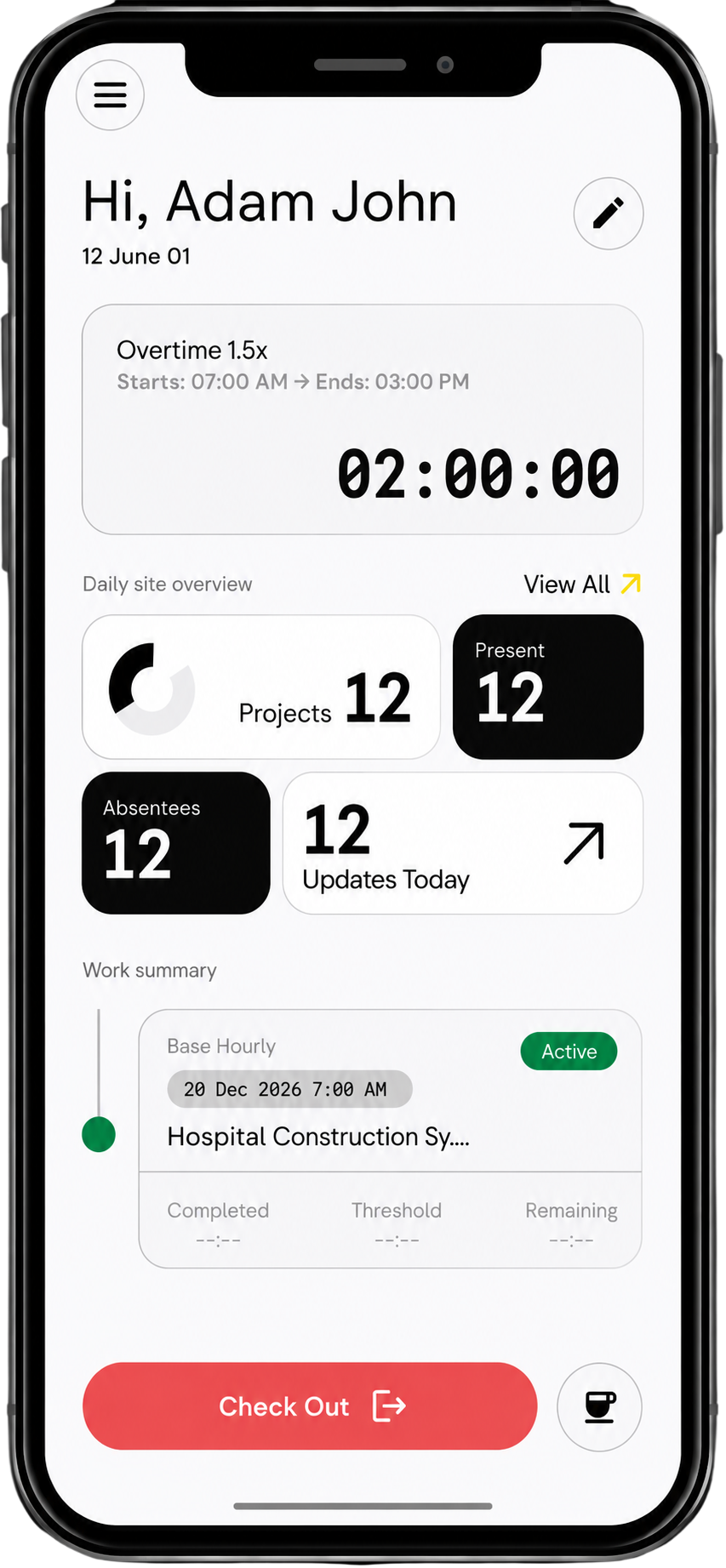
Workers are auto-checked in for accurate GPS-based time data
Each hour is assigned a rate and mapped to the correct project or cost code.
Labour cost updates live split across job, team, projects and sites in one dashboard
Labour cost visibility
Admin time saved on manual cost tracking and reconciliation
Decrease in labour cost overruns
Decision making
How is labour cost calculated automatically?
Each worker is assigned a rate, and every hour logged is converted into cost and mapped to the project.
Can I track labour cost per project?
Yes, all labour is automatically allocated to specific projects and cost codes.
Does this include subcontractor costs?
Yes, subcontractor hours and invoices are included in the total labour cost view.
Can I compare labour cost against budgets?
Yes, you can track actual spend against project budgets in real time.
Do I need to manually allocate hours to cost codes?
No, allocation happens automatically based on project and task setup.
How accurate is the cost tracking?
Costs are based on verified time entries and predefined pay rates, ensuring 100% accuracy.
Can I see labour cost across multiple projects?
Yes, dashboards show live cost data across all active projects.
What happens if time entries are edited?
All changes are logged, and cost updates automatically reflect the latest approved data.
Can this integrate with payroll systems?
Yes, labour cost data flows directly into payroll processing like Xero and MYOB.
10. How quickly does cost data update?
Labour cost updates instantly as time is logged.



