QR Code Check-In for Construction
Scan, check in, and log site attendance in seconds with project-linked records ready for timesheets, payroll, and compliance.

Workers scan a QR code at the site entry or project gate to check in and out. Each scan records time and links it directly to the job.
Each project or work zone can have its own QR code, even within the same site.
Each scan is tied to the project location, ensuring check-ins are linked to the correct site.
Every scan builds a structured timesheet entry linked to the project and worker.

Workers scan the QR code placed at the site or project gate using their phone.
The system records check-in time and links it to the correct job.
Entries flow into a structured timesheet, ready for supervisor approval.
Average time to check in on-site
Attendance visibility across all projects
Digitally recorded check-in history
Admin time saved per week
Does QR code check-in require an app?
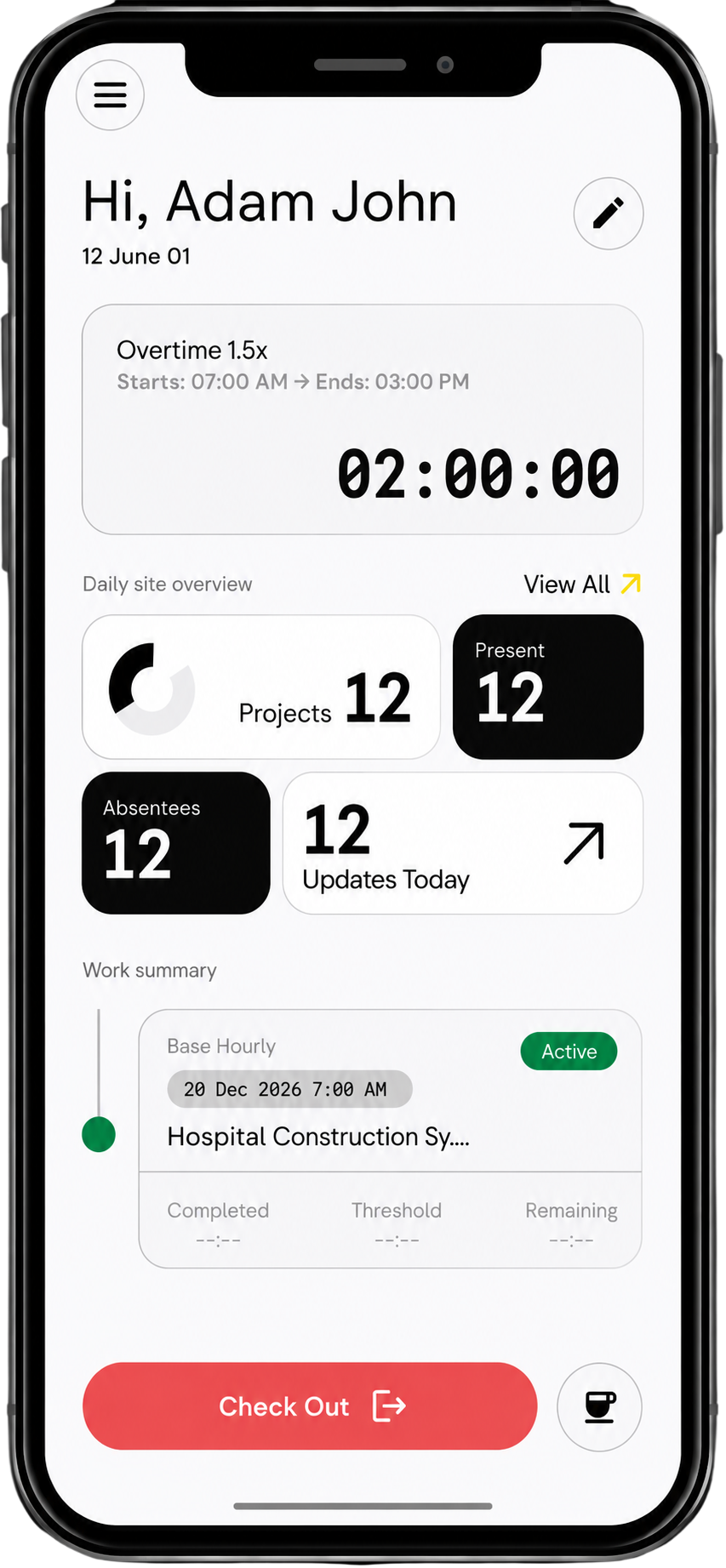
No, While Swift Checkin app is available on the Google Play Store and Apple App Store, it is not a compulsion. Workers can scan using their mobile browser without installing any app.
Can I use QR codes across multiple projects?
Yes, each project or work zone can have its own QR code.
What happens if a worker forgets to check in?
Supervisors can add or adjust entries before approving timesheets.
Can subcontractors use QR check-in?
Yes, subbies can scan the QR code without needing full system access.
Does QR check-in work on large sites?
Yes, multiple QR codes can be placed across different areas or stages of the project.
Can I track attendance across multiple sites?
Yes, you can view check-ins across all active jobs in real time.
Is attendance linked to specific projects?
Yes, every scan is tied to a project or cost code.
Can supervisors review and approve timesheets?
Yes, all entries can be reviewed and approved by EOD.
Is there a record of past check-ins?
Yes, all check-ins are stored with timestamps and can be accessed anytime.
Can QR check-in integrate with payroll?
Yes, approved timesheets can be exported or synced directly into payroll systems like MYOB and Xero.



