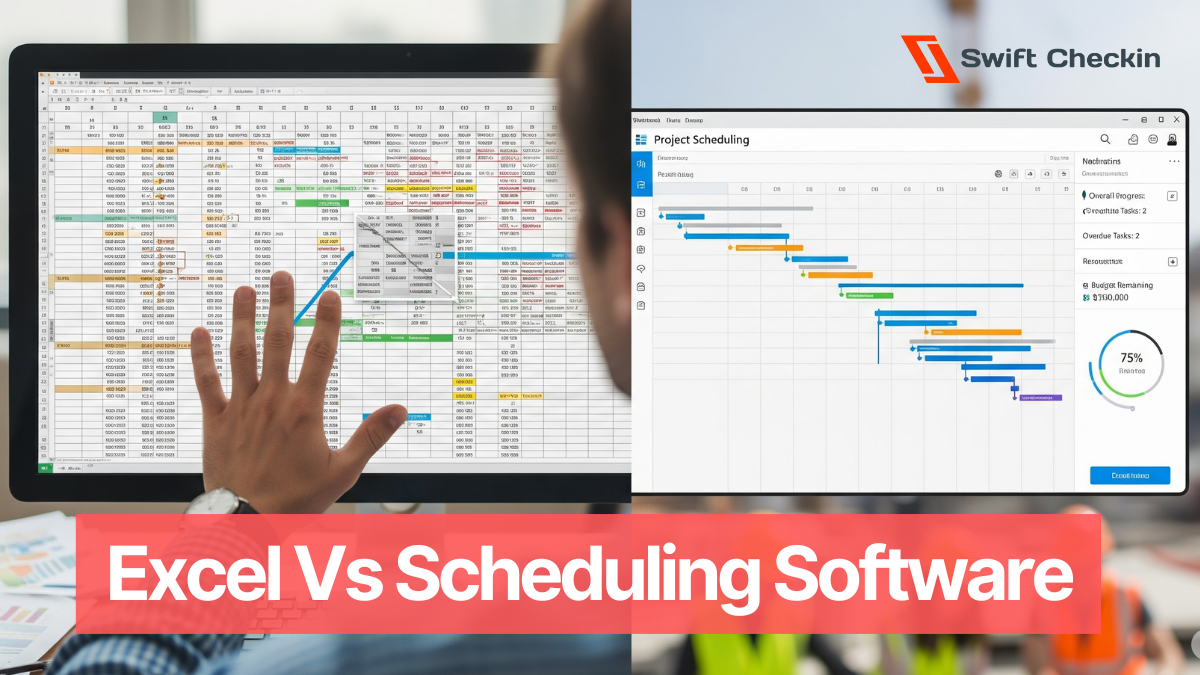
If you’ve ever managed a construction schedule in Excel, you probably know the feeling:
It starts simple.
↓
Then it gets messy.
↓
Then one task moves and the whole thing falls apart like a house of cards.
But let’s be honest — Excel is still everywhere. It’s familiar, flexible, and free. So why are more and more contractors switching to purpose-built scheduling software in 2025?
Let’s break it down with real-world pros, cons, and when to choose each.
TLDR: Good for Starters, Not for Scale
Why people still use it:
Where Excel shines:
But here’s where it cracks:
“Excel is like using a paper map in a GPS world. It works — until you hit traffic.”
– Site Supervisor, Mid-sized GC in Victoria
Excel and its templates might not cost you a dime upfront, but what about the hours spent updating timelines, fixing errors, or chasing down the latest version? The hidden labor costs can sneak up fast — especially as your project grows.
2027 is about speed, visibility, and collaboration — and that's where Excel struggles.
What modern scheduling tools offer:
AI-powered scheduling tools are now predicting resource clashes before they happen. Excel? It doesn't even know there’s a problem.
Modern scheduling software doesn’t live in a silo. Need to connect with accounting, procurement, or site safety apps? Most platforms offer integrations that keep your whole project ecosystem humming along.
Switching systems isn’t just a tech decision — it’s a people decision. While software can boost efficiency, it requires buy-in from your team. Most platforms offer onboarding, tutorials, and support to smooth the transition. Even better choose a easy-to-use tool like Swift Checkin which is designed mobile first to be used by the non-tech savy field workers.
Excel might seem like the obvious winner when it comes to price. But as the projects starts to roll, those hidden inefficiencies start eating into your profit margin. Manual updates, version confusion, and time lost fixing errors all add up, quietly draining money from your bottom line. What looks like a “free” solution can actually cost you more in lost productivity and delayed projects.
According to industry studies, companies can lose up to 30% of a project manager’s time each week to manual data entry and spreadsheet maintenance.
That’s more than a full day wasted every week. In contrast, teams that switch to automated tools often see a return on investment within three months, thanks to fewer errors and faster updates.
For example, businesses adopting automated time tracking have reported breaking even in under a quarter, and the same math applies to scheduling software — see the breakdown here: https://www.swiftcheckin.com.au/blog/automated-time-tracking-cost.
When you add up the hours saved and mistakes avoided, the switch to software quickly turns from an expense into a smart investment.
Use Excel if:
Use Scheduling Software if:
Excel isn’t dead — it just doesn’t scale.
If your project is simple, with no more than a car full of people working together, Excel will do just fine. But if you’re coordinating people, permits, and progress across multiple teams, a real construction scheduler is not a luxury — it’s a necessity.
And in 2025, the question isn’t “should we switch?”
It’s “how much longer can we afford not to?”
